Materializing Workspace
Calculating lighting vectors...
 RoomSketch
RoomSketch turns a floor plan you sketch in the browser into a live, walkable 3D model instantly. Draw walls, place furniture and lighting, then walk through the result before anything is built.
Free to try · no credit card · 1 project included
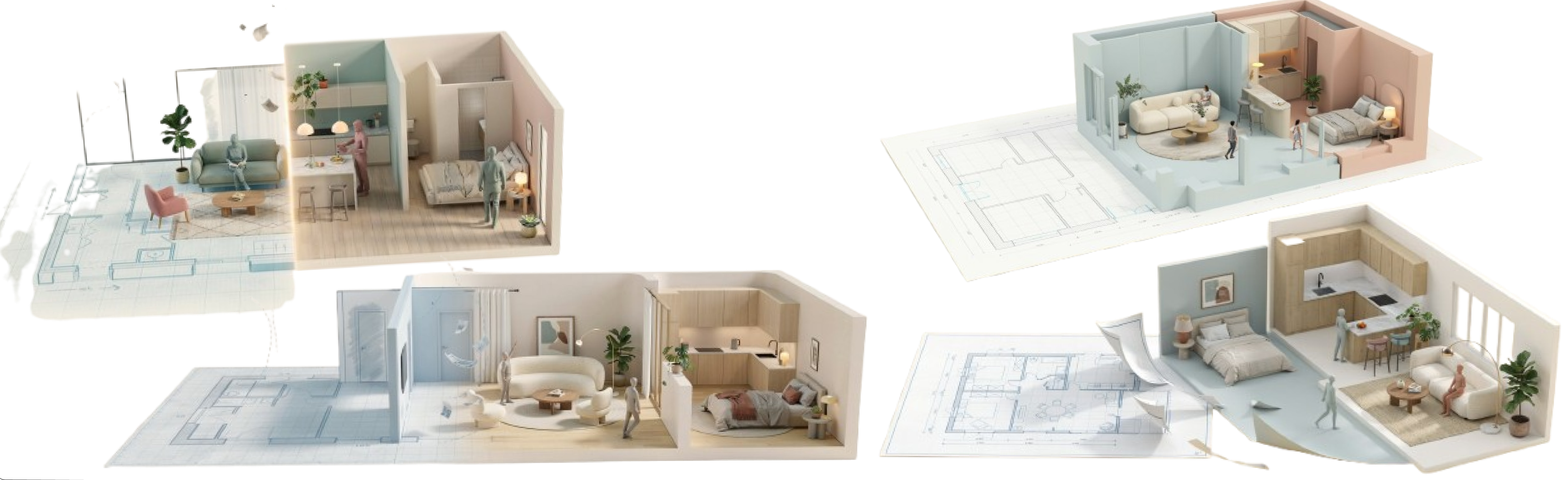
Walk Mode
Sketch your building and step into the result.
Place rooms, walls, doors, windows and stairs in the browser editor — every wall is set to solid, railing or open.
Every wall and opening becomes real geometry the moment you draw it. The preview pane never falls behind your cursor.
Choose flooring, wall colour, door style and lighting per room from Scene Config — changes apply on the spot.
Clients open it on any device and walk through it at eye level with Walk Mode. No plugin.
Like a real drawing set, each part of RoomSketch is numbered and cross-referenced — plan, model, finishes, walkthrough, revisions.
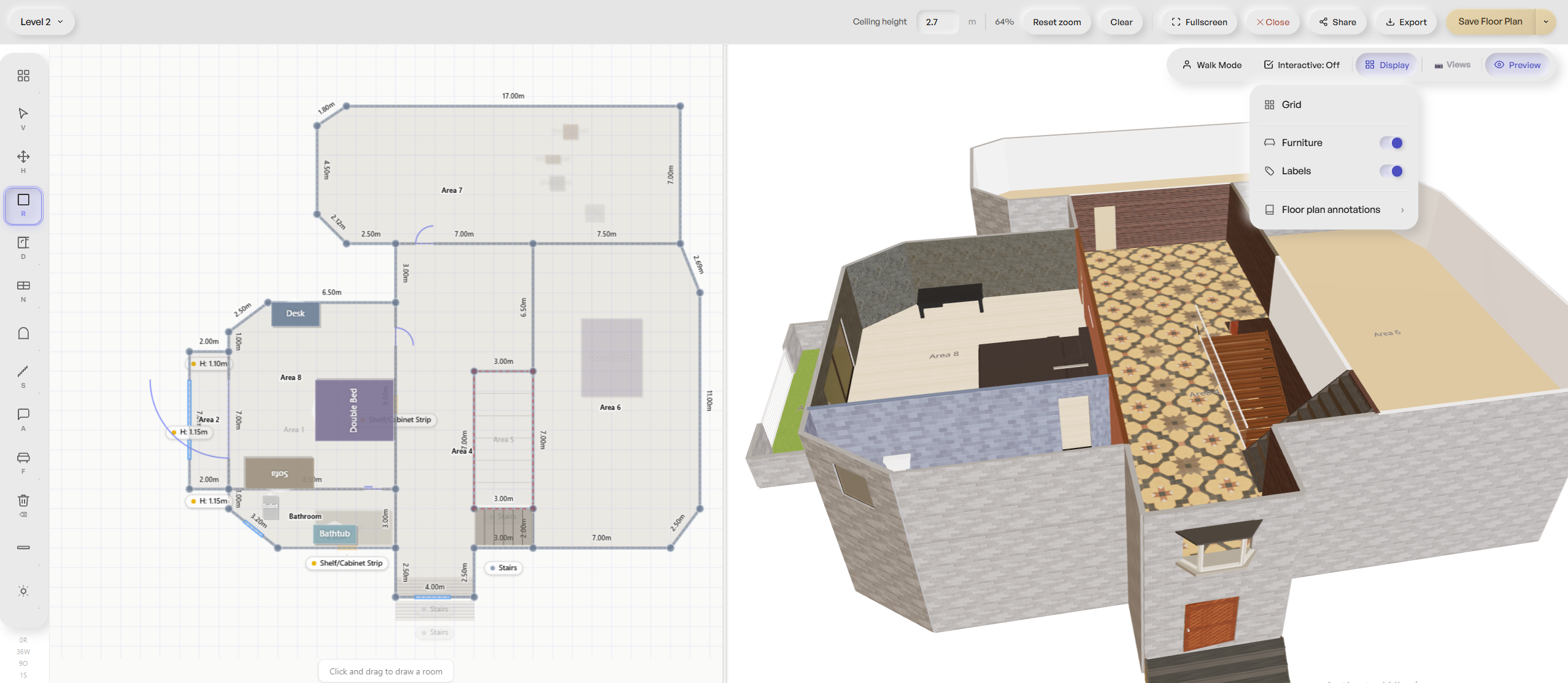
Node-based drawing with real-metre coordinates — rooms, walls, doors, windows, stairs, per-segment wall types (solid, railing, open). Every edit renders instantly in a synced 3D split view, no re-modeling step.
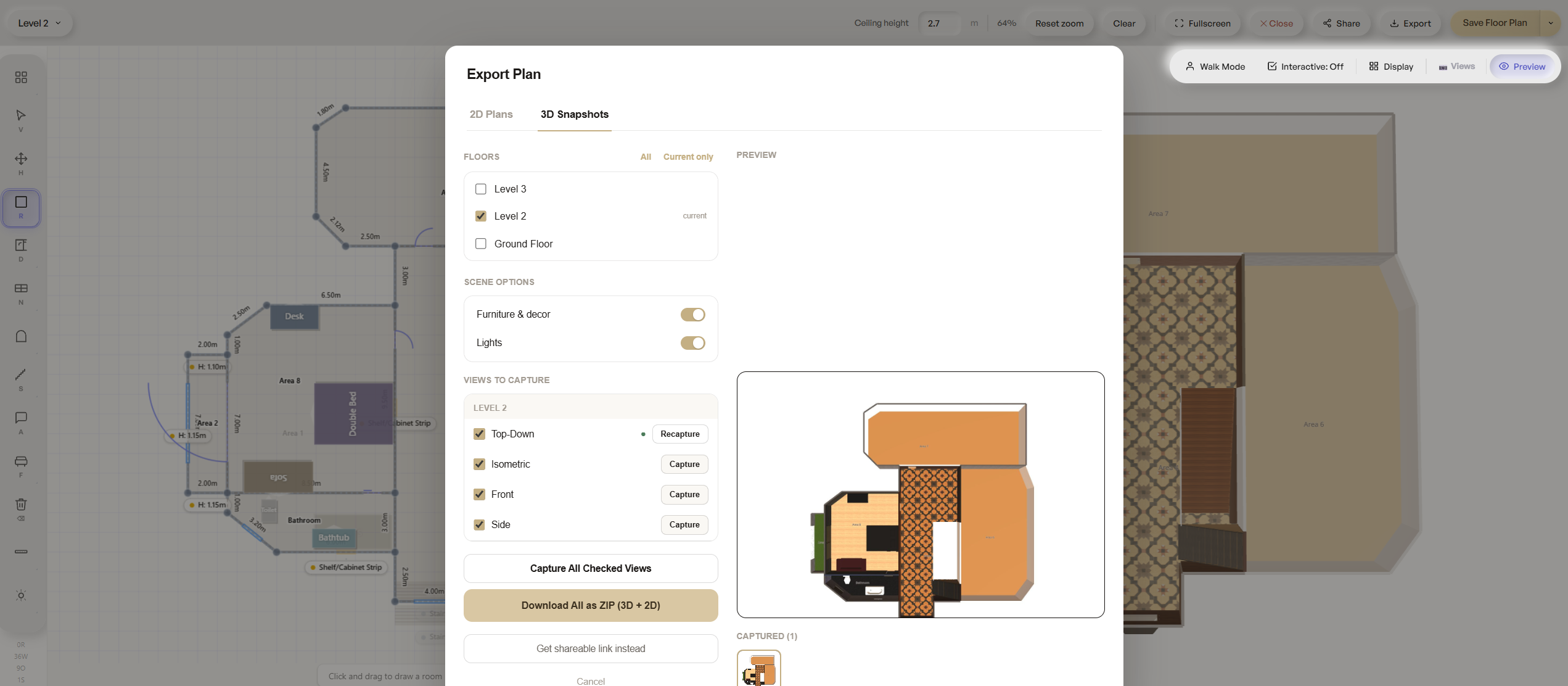
Capture any floor or room as a 2D or 3D image from any camera angle — top-down for plans, eye-level for presentation, anything in between.
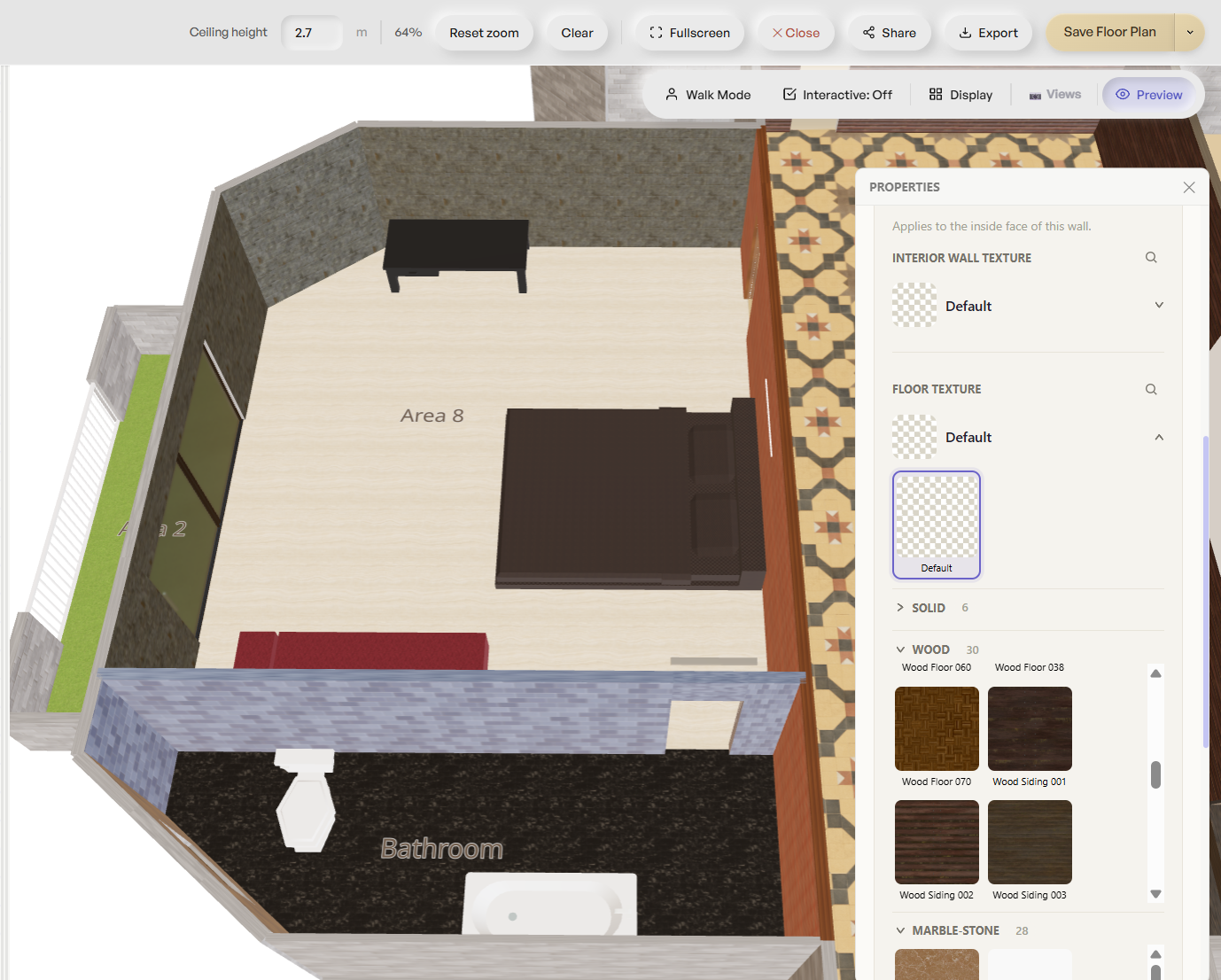
50+ materials across walls, floors, doors and furniture in one registry — swap a finish per room, per wall face, and see it update instantly.
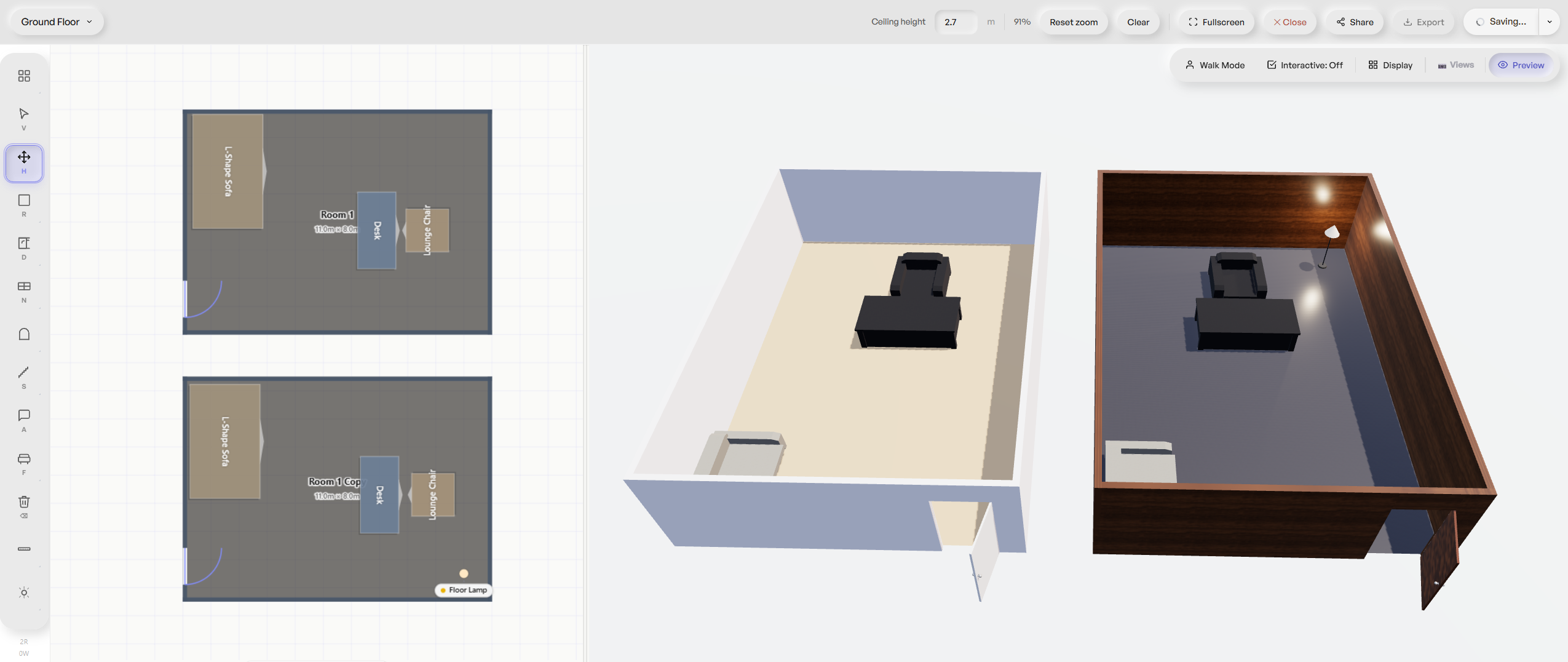
First-person Walk Mode moves a client through the space at eye level, not from above — see it exactly as they would standing in the room.
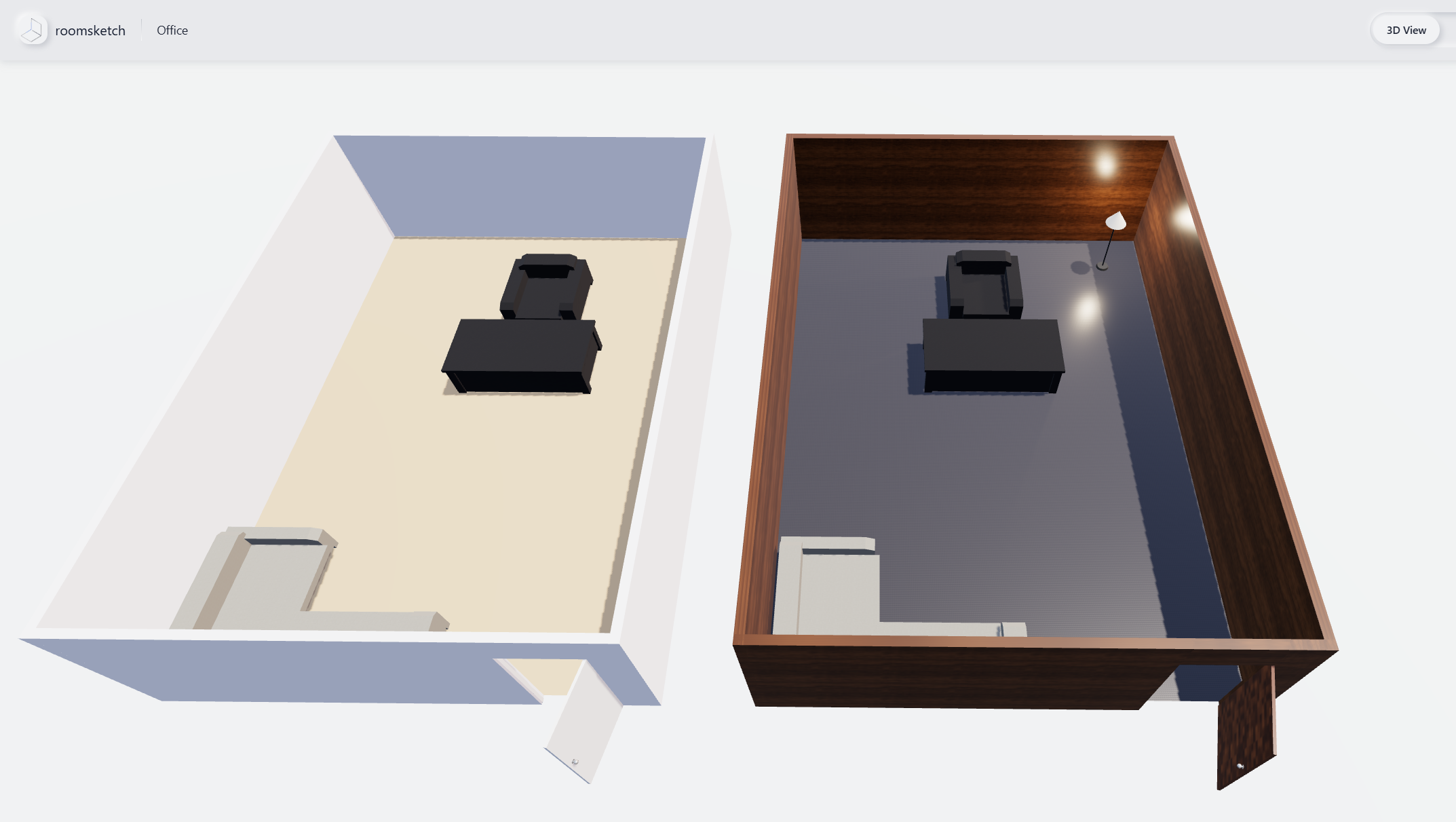
Send a link and anyone can explore your active floor's 3D model in the browser — orbit, zoom, walk through, no account or install needed.
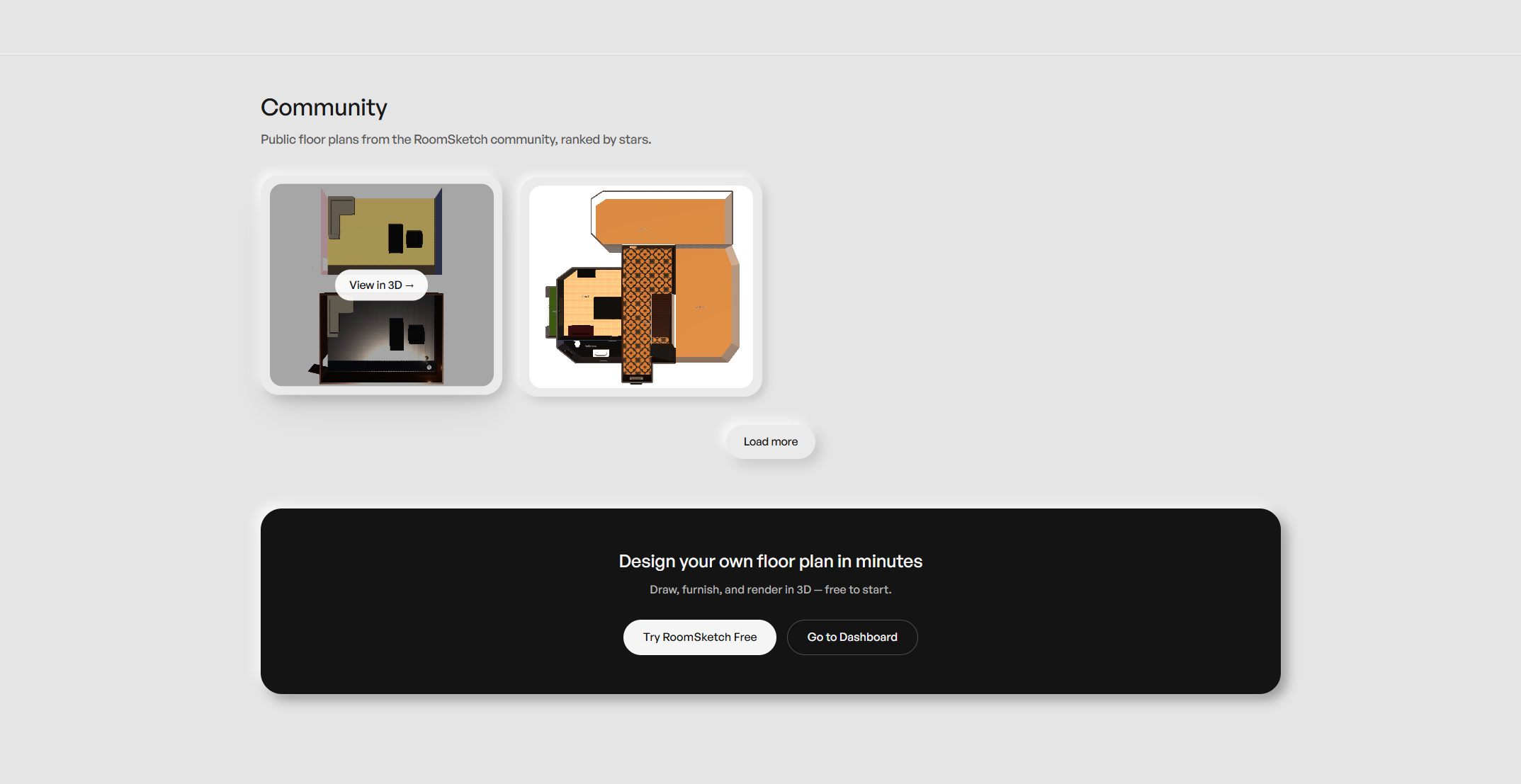
Standout designs get picked for the community showcase — a chance to get your floor plan seen and featured.
What you'd otherwise stitch together across a CAD app, a static floor-plan tool, and a separate 3D renderer.
Draw your first floor plan and see it in 3D for free — one project included. Upgrade only once you need more.